
As part of our ongoing efforts to maintain security and plugin compatibility on our multisite environment, we are pleased to announce the upcoming upgrade to WordPress 6.1.1. This upgrade will bring new features, improved dashboard and editor functionality, continued plugin compatibility, and AODA compliance, among other enhancements.
Please note that this upgrade will tentatively take place during Reading Week (February 18th - 24th), subject to any unforeseen delays. During this time, you may experience some temporary outages.
What does this mean for you? Read below to see the new changes that this update provides, from interface changes to pattern block enhancements, and additional resources.
If you have any questions or concerns, please don't hesitate to reach out to Jason and Tayo at cpadigit@yorku.ca or join us at our weekly drop-in sessions for hands-on support, taking place every Wednesday at 1:30 PM. The invite link can be found here:
Welcome to WordPress 6.1.1
This page highlights some of the most significant changes to the product since the May 2022 release of WordPress 6.0. You will also find resources for developers and anyone seeking a deeper understanding of WordPress.
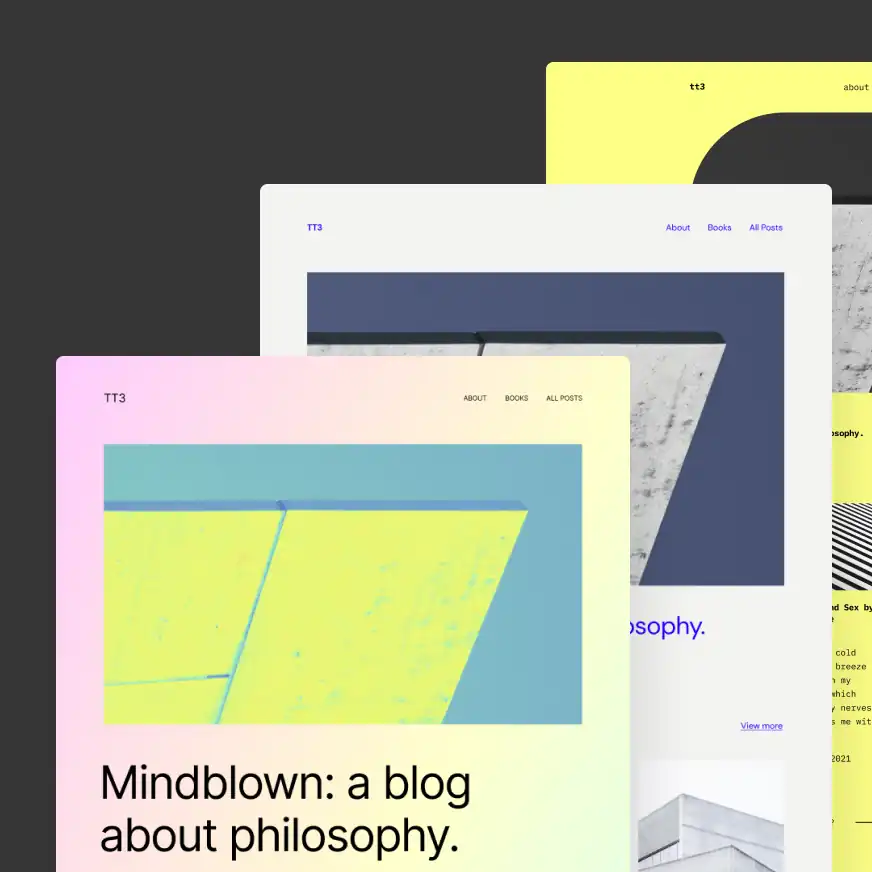
A new default theme powered by 10 distinct style variations
Building on the foundational elements in the 5.9 and 6.0 releases for block themes and style variations, the new default theme, Twenty Twenty-Three, includes and is “”.

A better creator experience with refined and additional templates
include a custom template for posts and pages in the Site Editor. Search-and-replace tools speed up the design of .
More consistency and control across design tools
Upgrades to the make the layout and site-building process more consistent, complete, and intuitive.


Menus just got easier to create and manage
in the navigation block mean you can edit the menu that’s open; no searching needed. Plus, the controls for choosing and working on menus have their own place in the block settings. The mobile menu system also gets an upgrade with new features, including different icon options, to make the menu yours.

Improved layout and visualization of document settings
A cleaner, better-organized display helps you easily view and manage important post and page settings, especially the template picker and scheduler.

One-click lock settings for all inner blocks
When locking blocks, a new toggle lets you apply your lock settings to all the blocks in a containing block like the group, cover, and column blocks.

Improved block placeholders
Various blocks have improved placeholders that reflect customization options to help you design your site and its content. For example, the Image block placeholder displays custom borders and duotone filters even before selecting an image.

Compose richer lists and quotes with inner blocks
The List and Quote blocks now support inner blocks, allowing for more flexible and rich compositions like adding headings inside your Quote blocks.
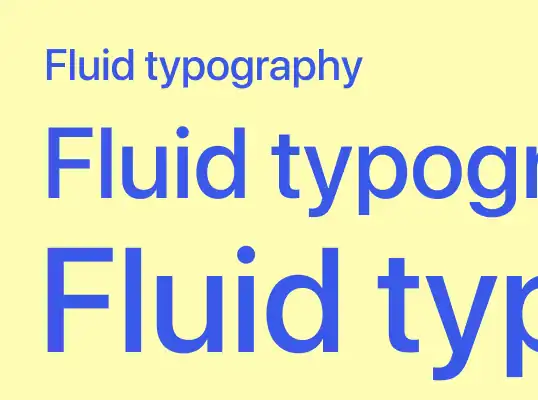
More responsive text with fluid typography
lets you define font sizes that adapt for easy reading in any screen size.
Learn more about WordPress 6.1.1
See WordPress 6.1 in action! highlighting some of the major features debuting in WordPress 6.1.
Explore for tutorial videos, online workshops, courses, and lesson plans for Meetup organizers, including new features in WordPress.
Check out the latest version of the . It is overflowing with detailed developer notes to help you build with WordPress.
for more information on the included enhancements and issues fixed, installation information, developer notes and resources, release contributors, and the list of file changes in this release.